Fixing Player Stuck on Loading Screen in PUBG

akerman88
Author
PUBG Polska Editorial Team
Guide: How to resolve the player loading screen freeze / missing teammate in PUBG Ranked and Normal matches!
Immediate Reaction:
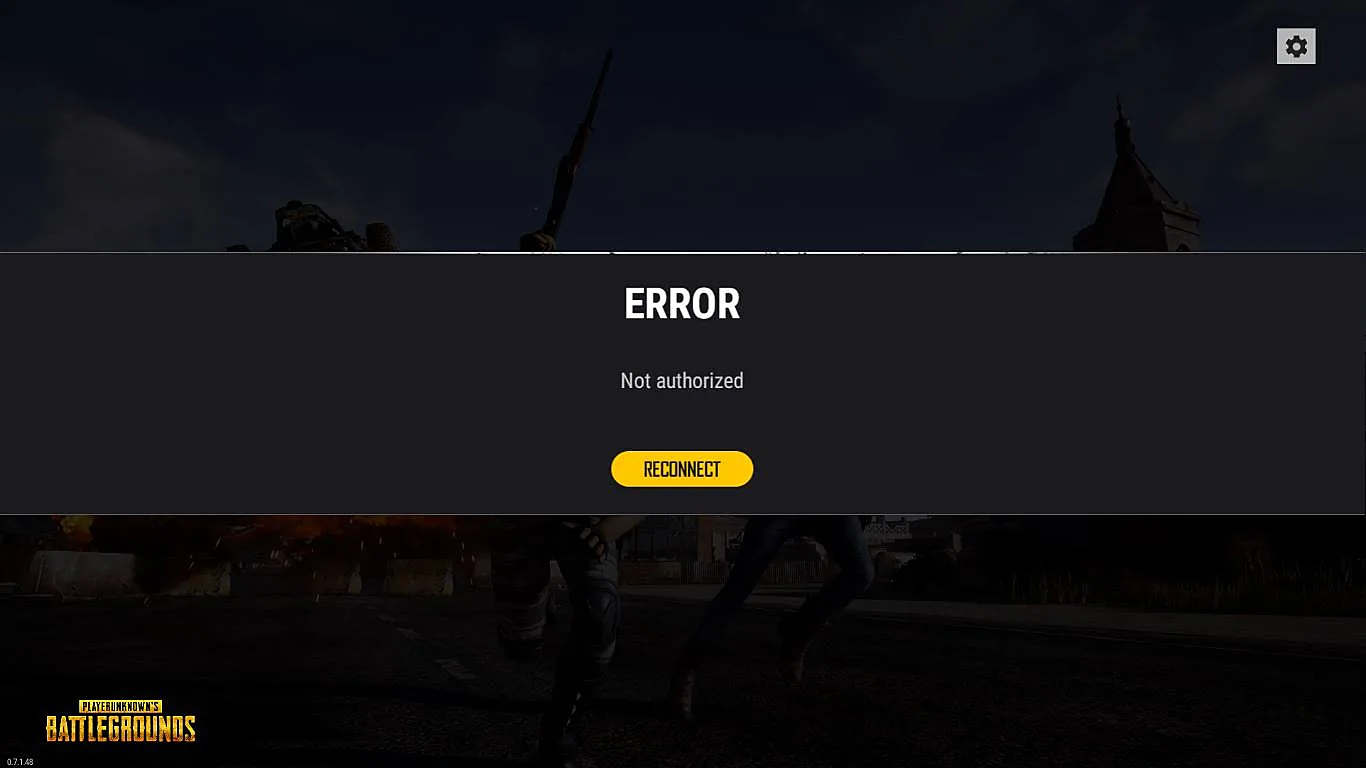
When you notice that a teammate or yourself is stuck on the loading splash screen or does not appear in the squad list, do NOT panic and do not immediately alt-f4.
Restart Lobby Procedure:
1. Press the "ESC" key to open the system menu.
2. Instead of closing the game, select Restart Lobby.
3. Once back in lobby, confirm your squad is complete and all teammates are synchronized.
Squad Communication:
Always inform your teammates immediately so they do not start the matchmaking queue before everyone is synced.
File Integrity & Updates:
Regularly verify integrity of game files via Steam (Right-click PUBG -> Properties -> Installed Files -> Verify integrity). Corrupted map pak files frequently cause loading hangs.
Immediate Reaction:
When you notice that a teammate or yourself is stuck on the loading splash screen or does not appear in the squad list, do NOT panic and do not immediately alt-f4.
Restart Lobby Procedure:
1. Press the "ESC" key to open the system menu.
2. Instead of closing the game, select Restart Lobby.
3. Once back in lobby, confirm your squad is complete and all teammates are synchronized.
Squad Communication:
Always inform your teammates immediately so they do not start the matchmaking queue before everyone is synced.
File Integrity & Updates:
Regularly verify integrity of game files via Steam (Right-click PUBG -> Properties -> Installed Files -> Verify integrity). Corrupted map pak files frequently cause loading hangs.
52779898-409466063154523-7343639970097135616-e86e9.webp (0 MB)
akerman88
REDAKCJA PUBG POLSKA
Author of tactical guides and PUBG knowledge base articles.
Source:
PUBG Polska Portal
• 06.04.2024
Was this guide helpful?
Leave a like to help other PUBG players find top tips!
Zauważyłeś błąd w tym poradniku?
Literówka, błędna punktacja lub nieścisłość? Prześlij zgłoszenie bezpośrednio do redakcji.
KOMENTARZE (0)
Wpisz swój nick z PUBG (Steam) oraz nick z Discorda na serwerze PUBG Polska, aby dodać komentarz.