How to Recover a Lost Progressive Weapon Skin in PUBG

akerman88
Author
PUBG Polska Editorial Team
Here is the official procedure and communication received from Krafton Support regarding the recovery of dismantled progressive weapon skins:
Support Guidelines & Item Recovery Policy:
Krafton provides item restoration services for items dismantled in the Hideout or exchanged for BP. Two options are offered:
Option #1: Large-scale Item Restoration (One-time service per account, covers items dismantled within 10 consecutive days)
- Recovery is only available once per account.
- Items dismantled or exchanged more than 12 months ago cannot be recovered.
- All resources received from dismantling (BP, polymers, schematics, blueprints) will be deducted upon restoration.
- If required resources are insufficient on the account, recovery cannot proceed (BP can be deducted upon additional confirmation).
- Items sold on the Steam Community Market cannot be recovered.
- Probability-based loot crate openings are excluded.
Option #2: Small Item Restoration (Once every 3 months, maximum 3 items)
- Covers up to 3 individual items every 3 months.
- Subject to the same resource rollback requirements.
Restoration Request Form:
- Selected method: (Option 1 or Option 2)
- Confirm agreement with instructions: (Yes / No)
- Items to recover (or date range for Option 1, max 10 days)
- PUBG In-Game Nickname:
- Steam ID64:
UPDATE: Krafton has also introduced an automated self-service portal: https://www.pubgselfservice.com/home .
Support Guidelines & Item Recovery Policy:
Krafton provides item restoration services for items dismantled in the Hideout or exchanged for BP. Two options are offered:
Option #1: Large-scale Item Restoration (One-time service per account, covers items dismantled within 10 consecutive days)
- Recovery is only available once per account.
- Items dismantled or exchanged more than 12 months ago cannot be recovered.
- All resources received from dismantling (BP, polymers, schematics, blueprints) will be deducted upon restoration.
- If required resources are insufficient on the account, recovery cannot proceed (BP can be deducted upon additional confirmation).
- Items sold on the Steam Community Market cannot be recovered.
- Probability-based loot crate openings are excluded.
Option #2: Small Item Restoration (Once every 3 months, maximum 3 items)
- Covers up to 3 individual items every 3 months.
- Subject to the same resource rollback requirements.
Restoration Request Form:
- Selected method: (Option 1 or Option 2)
- Confirm agreement with instructions: (Yes / No)
- Items to recover (or date range for Option 1, max 10 days)
- PUBG In-Game Nickname:
- Steam ID64:
UPDATE: Krafton has also introduced an automated self-service portal: https://www.pubgselfservice.com/home .
Update / Additional Information • 31.10.2024
<:utility5:1177691314461085781> UPDATE: Została dodana specjalna strona przez KRAFTON do odzyskiwania skinów: https://www.pubgselfservice.com/home .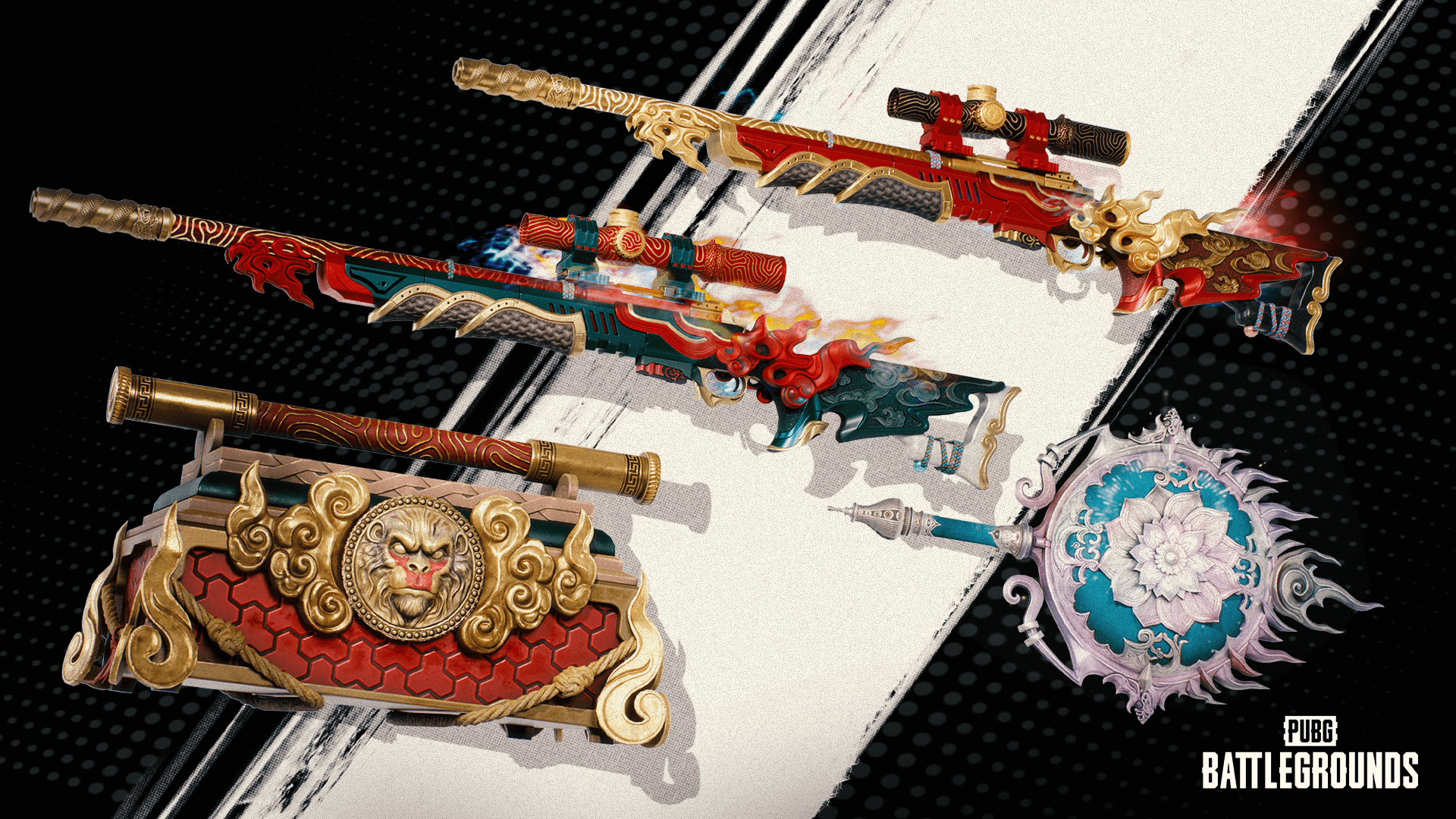
MDWGtyxR.png (0.9 MB)
akerman88
REDAKCJA PUBG POLSKA
Author of tactical guides and PUBG knowledge base articles.
Source:
PUBG Polska Portal
• 06.04.2024
Was this guide helpful?
Leave a like to help other PUBG players find top tips!
Zauważyłeś błąd w tym poradniku?
Literówka, błędna punktacja lub nieścisłość? Prześlij zgłoszenie bezpośrednio do redakcji.
KOMENTARZE (0)
Wpisz swój nick z PUBG (Steam) oraz nick z Discorda na serwerze PUBG Polska, aby dodać komentarz.